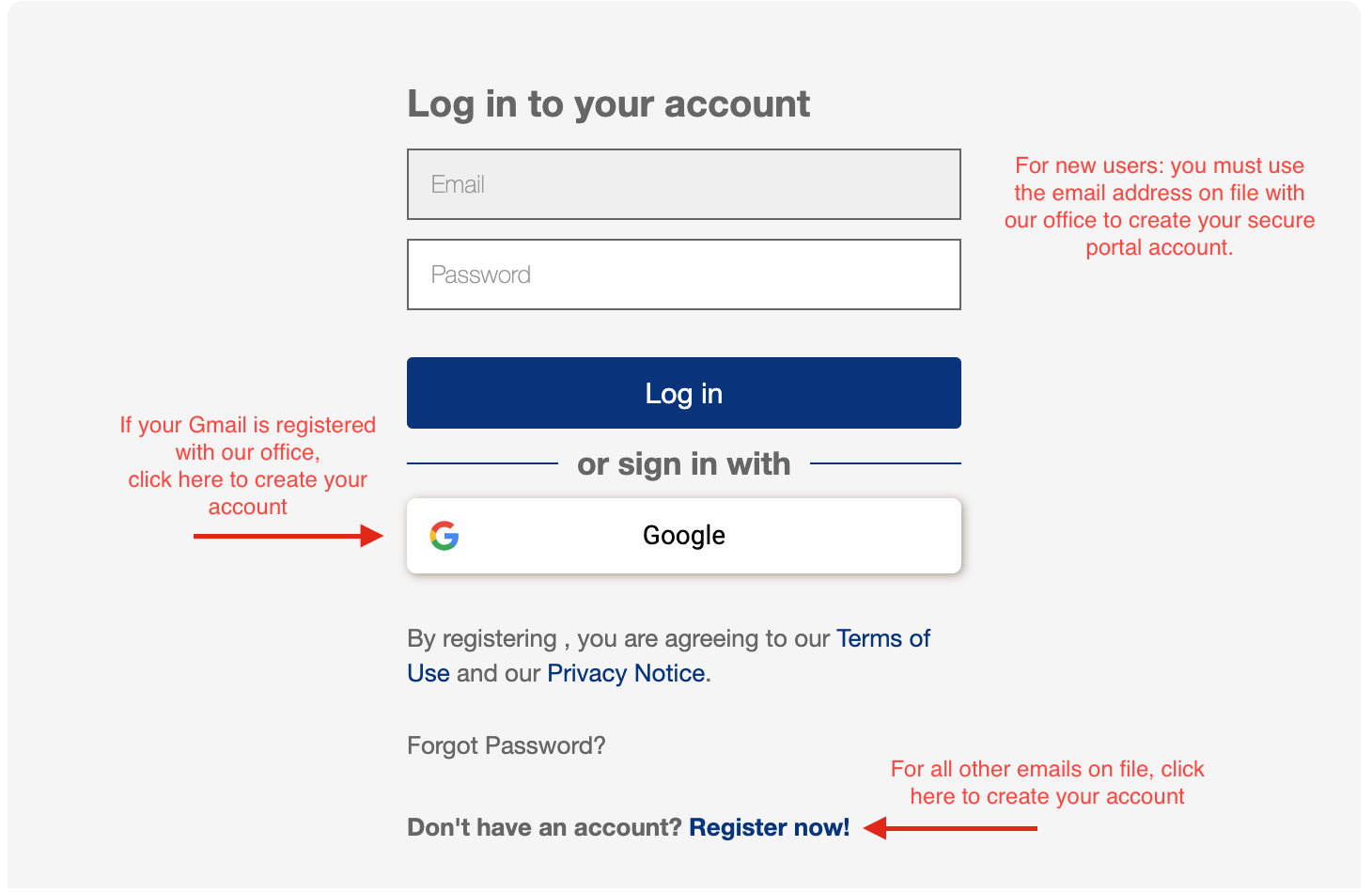
We may have an inactive email address on file that is now forwarded to a new active email address. This can create confusion because you will receive our messages but your new email address will not work to set up your account. If you are not sure which email address you have on file at our office please send an email to office@seadds.com from the email you would like to use for your secure patient portal. In the subject line write “Email Verification”. In the body of the email write “Update my email address in your system.” After we update you address on file, we will respond to your email with “Verified.” After you receive this message, proceed with creating your account.